


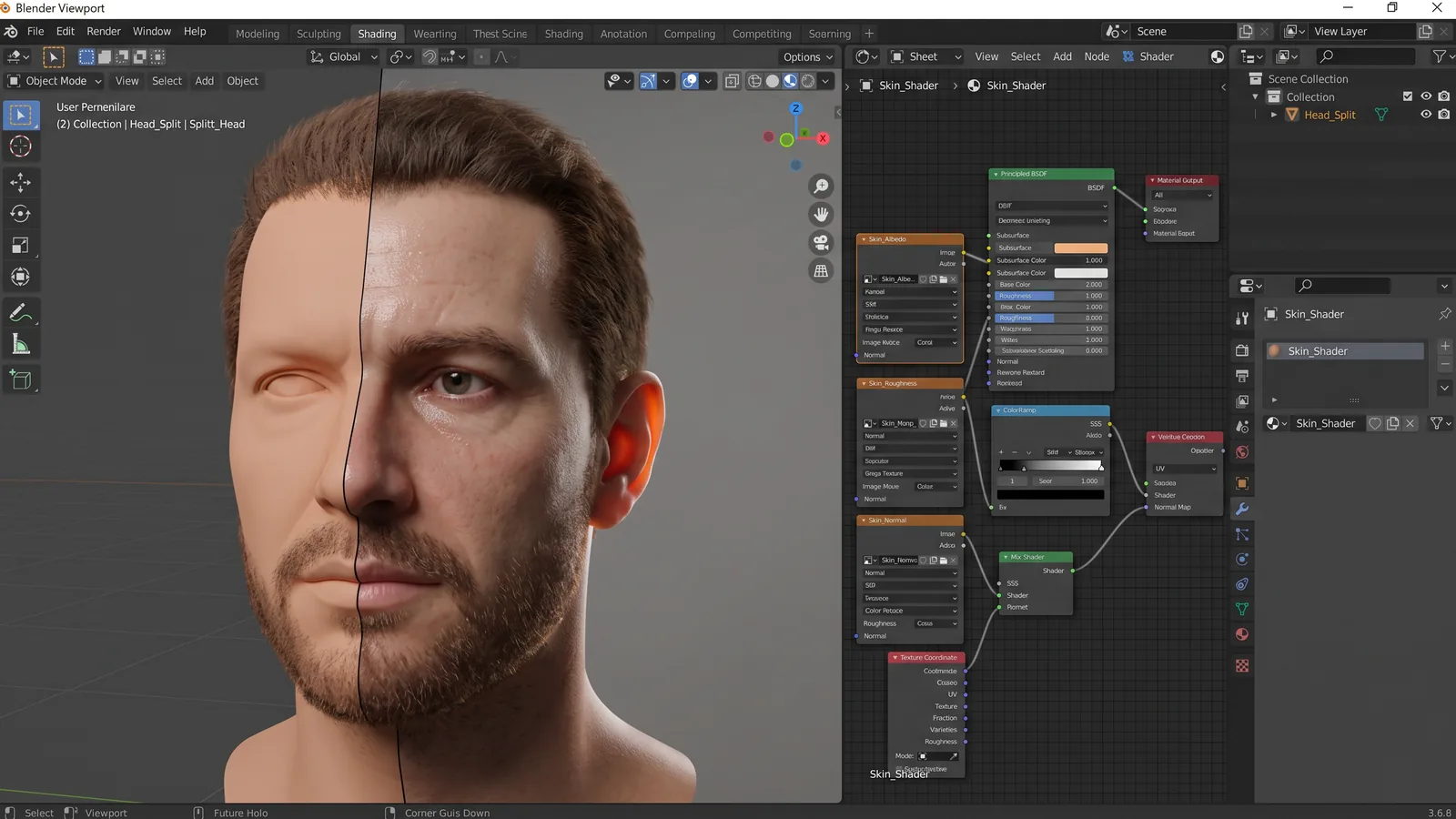
Skin is not a surface material in the way metal or glass is. It is a multilayer system: the outermost layer reflects some light directly, the layers below absorb and scatter light before some of it escapes back through the surface. This subsurface behavior is what gives skin its characteristic warmth and translucency.
The subsurface scattering problem
In Blender’s Principled BSDF, the Subsurface parameter controls how much light penetrates the surface and scatters before emerging. For realistic skin, this is not optional — it is the foundation.
Subsurface weight: Start around 0.3-0.6 for typical skin in natural light. Subsurface radius: Real skin scatters red light furthest, then green, then blue. A physically correct subsurface radius is approximately (1.0, 0.2, 0.1) normalized. This is where most free skin shaders fail: they use equal radius values for all three channels, producing a grey or purple tint under backlit conditions instead of the warm red that makes backlit ears and hands look real.
Roughness variation
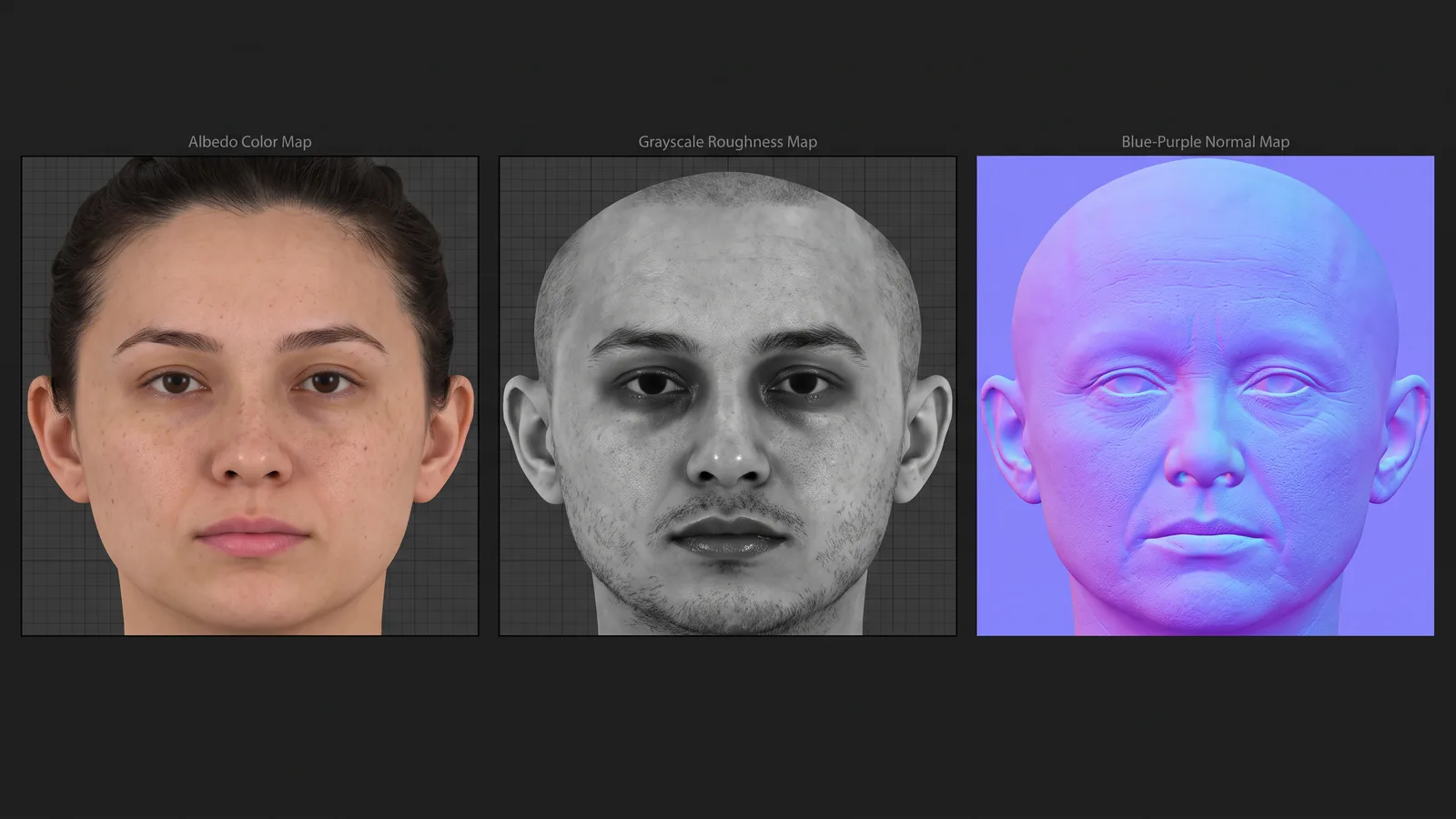
Real skin is not uniformly rough. A single roughness value for the entire face produces uniform, doll-like skin. The correct approach is a roughness map that varies across the surface.
A minimal correct setup
- Principled BSDF with Subsurface Weight: 0.4
- Subsurface Radius: (1.0, 0.25, 0.1)
- Roughness from texture, not flat value
- Specular Weight: 0.4
- Clearcoat: 0.15, Clearcoat Roughness: 0.3
- Normal map connected from texture
The case for starting with scanned textures
Building a skin shader from scratch requires a good albedo map, roughness map, normal map, and displacement map, all of which need to work together. The RenderBOT library includes human figures with production-grade texture sets captured through photogrammetry — dropping them into a correct Blender Principled BSDF setup produces good results immediately. See our help center for Blender setup guides.
Comments
No comments yet.