


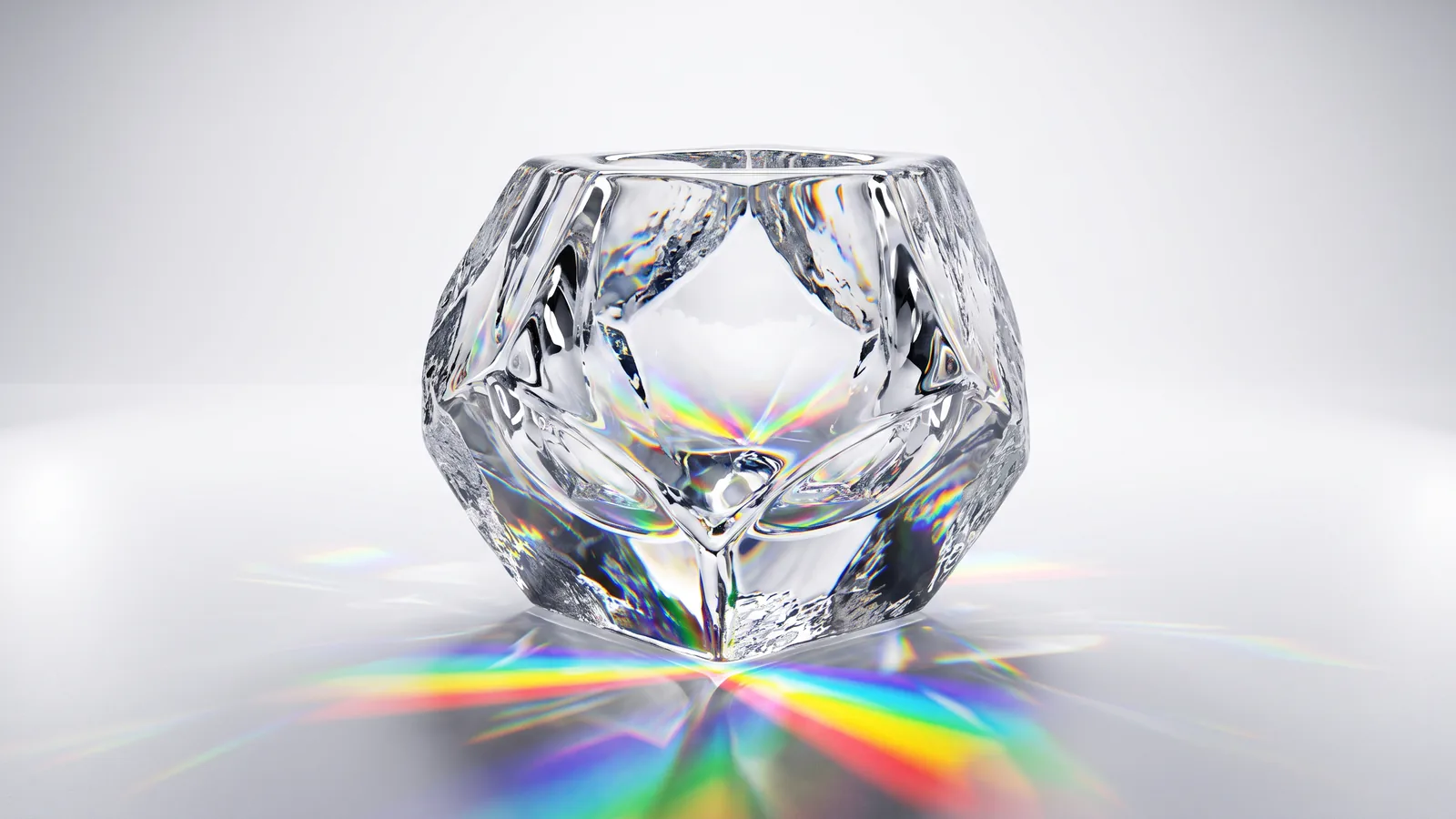
Glass dispersion is the effect you see when light refracts through a glass prism and separates into a spectrum. In architectural visualization, most glass — windows, doors, glass railings, table surfaces — has very low dispersion. But certain types of glass, crystal, and decorative elements do show visible dispersion, and in Blender 5.3, you can model this correctly rather than faking it in post.
What changed in Blender 5.3
Blender 5.3’s Principled BSDF added an IOR Dispersion parameter (also called Abbe number) that controls how much the refractive index varies across the visible spectrum. Higher Abbe number = less dispersion (crown glass, like window glass). Lower Abbe number = more dispersion (flint glass, crystal).
Real-world values to use
| Material | Abbe number |
|---|---|
| Standard float glass | 64 |
| Borosilicate glass (Pyrex) | 65 |
| Crystal glass (lead crystal) | 29-44 |
| Optical flint glass | 36 |
| Acrylic (PMMA) | 55 |
| Water | 56 |
| Diamond | 55 |
For most arch viz window glass, use 64. The dispersion will be there physically but essentially invisible at typical viewing distances.
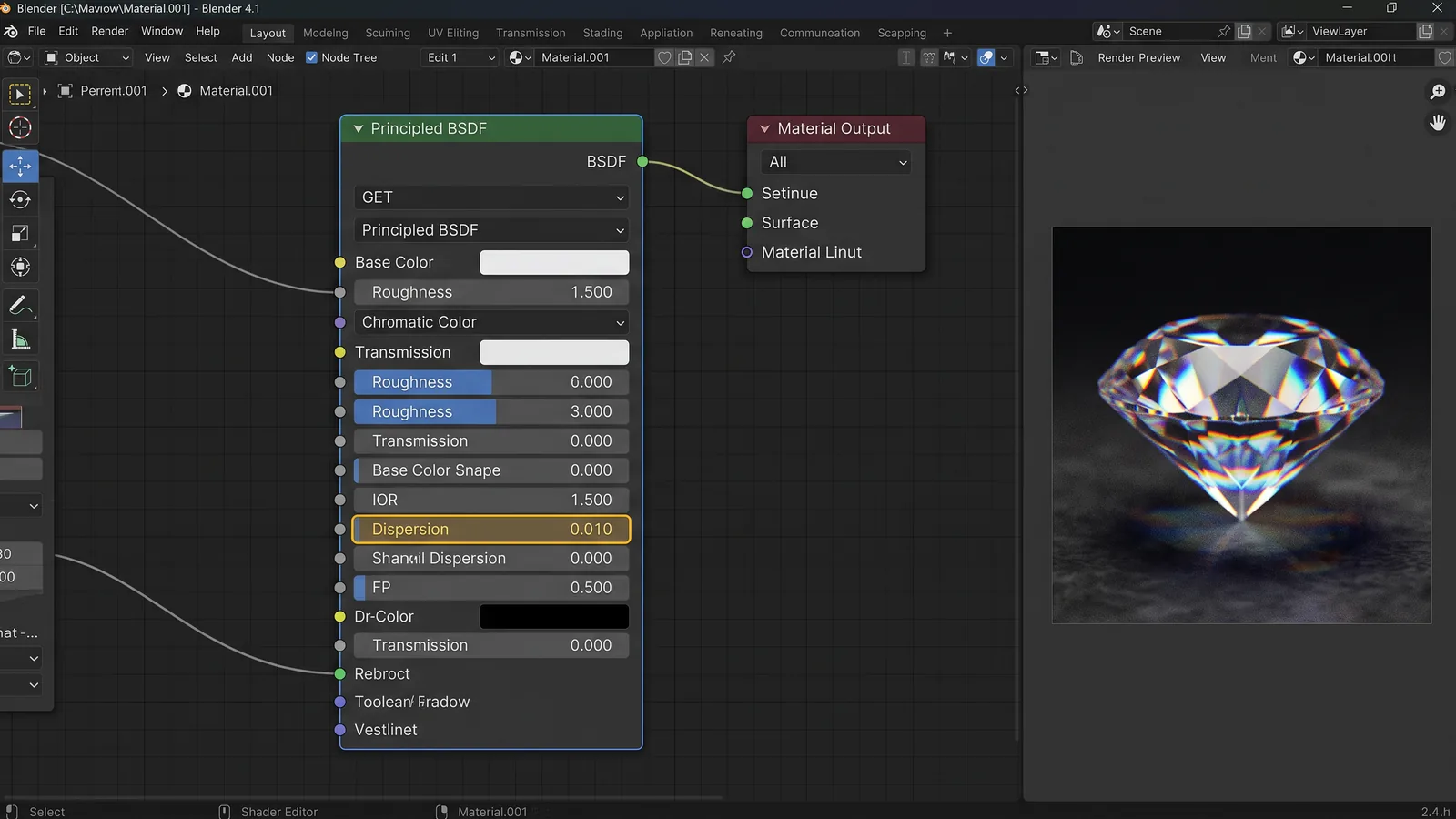
When dispersion matters for arch viz
- Crystal and decorative glass objects: use Abbe number 30-45
- Glass floors or walls in strong sunlight: Blender 5.3 models this correctly
- High-end kitchen and bar glass: certain crystal glassware
- Standard windows, glass doors, glass tables: leave Abbe number high (60+)
The practical rule
For most arch viz glass, the default high value (minimal dispersion) is correct. For crystal, decorative glass, and hero props where you want the rainbow effect to be physically accurate, the correct Abbe number is now available without custom shader workarounds.
See also: Blender 5.3: The Features You Will Actually Use for a full overview of the update. Populate your Blender arch viz scenes with interior human figures from the RenderBOT library.
Comments
No comments yet.